Clinic software that keeps working when the internet does not
ClinicLync runs three ways: in the cloud, on a clinic server inside your clinic that needs no internet at all, or both (hybrid). It is the same software and the same screens; you can move between them.
Clinic server (on-premise)
One computer in the clinic (8–16 GB RAM, SSD, on a UPS) holds everything. Every computer, tablet and the TV opens it in a browser over the clinic's own network, with HTTPS. Nightly encrypted backups go to the computer and a USB drive.
- Works through load-shedding and internet outages
- Records stay inside the clinic
- Updates take a backup first
Cloud
Open yourclinic.cliniclync.com on any computer. Nothing to install; ByteLync runs the server, updates and backups. Best for clinics with steady internet and owners who check in from home.
Hybrid
A clinic server that also sends every change to a read-only copy in the cloud whenever the internet is up. The clinic gets offline speed; the owner gets reports from anywhere and an off-site backup.
Questions
What happens during load-shedding?
With a clinic server on a UPS, the clinic keeps working on its own network. A cloud clinic needs its internet connection, so a backup connection next to the router is recommended.
Can we start in the cloud and move to our own server later?
Yes. Your data moves with you between cloud, clinic server and hybrid.
Everything else in ClinicLync
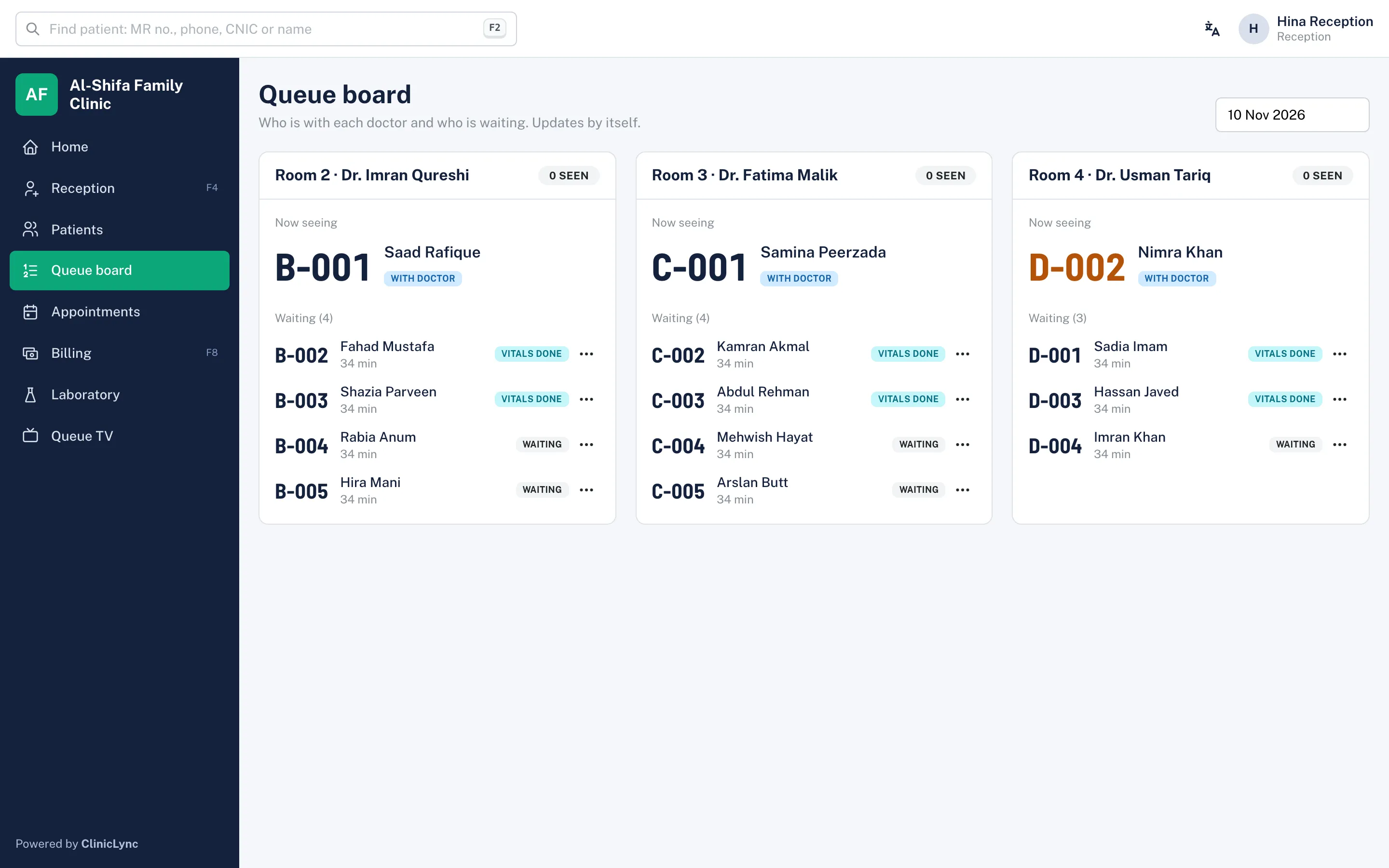
- Token and queue TVToken system for clinics in Pakistan: tokens per room, priority and emergency, a waiting-room TV that calls each token with a chime and voice, and a live queue board. No patient names on screen.
- Doctor and prescriptionsElectronic medical records for OPD doctors: vitals, notes that save as you type, ICD-10 diagnoses, prescriptions with allergy and duplicate warnings, Urdu instructions, follow-ups and visit history.
- Billing and khataBilling for clinics in Pakistan: consultation fees, price list, discounts with approval, cash, card, bank, JazzCash and Easypaisa with transaction IDs, patient khata, refunds, receipts and day close.
- PharmacyClinic pharmacy software: dispense from the doctor's prescription, stock by batch and expiry (first-expiry-first-out), low and out-of-stock alerts, walk-in and counter sales, and returns linked to the bill.
- LaboratoryClinic lab software: orders from doctors, sample taken, results with normal ranges by age and sex, automatic flags, verification, amendments with a reason and A4 lab reports with the clinic letterhead.
- Patient data securityHow ClinicLync protects patient records: role-based access, audit log of every look, encrypted CNIC and phone, database-level separation between clinics, two-step login and encrypted nightly backups.